PhonePe QR Code: How to Get Yours, Plus Paytm, Google Pay and BharatPe
Where to find your PhonePe QR code and your Paytm, Google Pay or BharatPe one, why most shops should keep the app's merchant QR, and when a custom UPI code makes sense.
QRStitch Team9 min readUpdated
On this page
- PhonePe QR code
- PhonePe business QR code
- Your personal PhonePe QR code
- Paytm QR code
- Google Pay (GPay) QR code
- BharatPe QR code
- Does a PhonePe QR code work with Google Pay?
- Personal QR or business account?
- Will you pay charges on UPI payments?
- When a custom UPI QR code is worth making
- Keep your counter code safe
- Frequently asked questions
- Is the QR code the same as my UPI ID?
- Can I print my personal UPI QR code for my shop?
- Is it free to make a UPI QR code?
- What we'd do with a small shop
- Sources
A customer at your counter has just asked for your QR, and you can't remember where the app keeps it.
Your PhonePe QR code is already inside PhonePe, and the same goes for Paytm and Google Pay, or BharatPe after merchant sign-up. In most of these apps you'll find it by opening your profile, and a business account adds a shop QR you can download or order as a printed sticker. Customers on other UPI apps can generally pay it.
We'd keep that app's merchant QR on most counters. A custom code is worth making only for the particular jobs listed further down, and it has a drawback you should know about before you print one.
App screens change often, so treat these paths as a guide. We checked each against the company's help pages in November 2026 unless we say otherwise.
PhonePe QR code
PhonePe keeps shops and personal users in separate places, so start by working out which code you need.
PhonePe business QR code
PhonePe for Business works through the separate PhonePe Business app. Download it and register your shop, and you can then generate a QR code or order a sticker. For a shop, start there.
PhonePe also offers a SmartSpeaker for sound alerts. We couldn't confirm its price, so ask before you order.
Your personal PhonePe QR code
Open PhonePe and go to your profile, where you should find your QR code and UPI ID. We couldn't confirm the exact path on a current PhonePe help page, so it may look different on your phone, and the options you see there depend on your app version.
Paytm QR code
For a personal code, tap the profile icon at the top left. The screen shows your QR code and UPI ID.
Your Paytm business QR code takes less hunting, because Paytm says a merchant QR is generated when you create your account. You can download it from the app or the dashboard.
Paytm's business pages describe ordering a QR sticker through the app, and the company also sells Soundbox devices that announce payments. Check the price in the app before you order, since we couldn't find one published.
Google Pay (GPay) QR code
For a personal GPay QR code, open Google Pay, tap your profile picture, then tap the profile picture icon again. Your QR code appears, and Google says any UPI app can scan it.
For a shop, open the Google Pay for Business app and tap QR code, then "Download or share".
From that same screen you can choose Order QR Kit for a printed version. Google says it's dispatched in 3 to 5 days and arrives within 16 days of dispatch, so don't leave it until the week you open.
Google's SoundPod announces payments aloud. Plans on its page included ₹499 upfront plus ₹125 a month, or ₹1,499 a year. Google is phasing in availability, so you may not be able to get one straight away.
BharatPe QR code
BharatPe is built for merchants, and its QR code accepts payments from many UPI apps through one code. We couldn't confirm the exact sign-up steps on its website, so follow the prompts in the BharatPe app.
It also offers a speaker that gives voice alerts. Its pages don't state a fee, so ask before you agree to any device.
Does a PhonePe QR code work with Google Pay?
A customer on one UPI app can usually pay a code issued by another, because these apps all sit on UPI. Google says of its own personal QR that any UPI app can scan it, and BharatPe advertises the same for its merchant QR. A code carrying a UPI ID can generally be paid from UPI apps whichever app or generator created it, so you don't need a separate code for each app.
A customer can occasionally hit a problem with a particular bank or app, so keep a backup way to take payment at a busy counter.
Personal QR or business account?
A personal QR is already in your app, and it suits occasional payments, tuition or a small side income. The money shows up on your normal bank statement, and you won't get sound alerts.
A business QR means registering your shop, usually with documents. In return you get business reports in the app, and providers offer a sound alert device, often for a fee, which makes this the better fit for a shop or anyone taking many payments.
Limits differ too, with higher ones in some verified categories. Google lists the standard limits as ₹1 lakh per bank account in 24 hours and 20 payments in 24 hours, with most verified-merchant categories at ₹5 lakh per transaction. Your bank's limit can be lower, so check it.
Will you pay charges on UPI payments?
People have long called UPI payments to merchants free. That is changing, though probably not for the shop reading this.
NPCI's September 2026 framework puts a 0.4% merchant fee on payments above ₹2,000, capped at ₹300 once a payment reaches ₹75,000. Railways, telecom, insurance and fuel pay a flat ₹5 above ₹2,000 instead of the percentage. Anything up to ₹2,000 stays free, and so does money sent between two people.
Two things matter more than the rate. Small shops are exempt: NPCI's FAQ puts zero MDR on merchants taking up to ₹1 lakh a month through UPI QR codes, and NPCI has said about 96% of merchant payments are ₹2,000 or under in any case. Merchants also aren't allowed to pass the fee to customers, which NPCI repeated to the Supreme Court in a filing dated 3 November 2026.
The start date has moved. It was set for 15 October 2026, NPCI postponed it and said a revised date would follow, and none had been announced when we updated this in November 2026. Ask your bank or payment provider what applies to your shop, since the exemption depends on how your account is categorised.
When a custom UPI QR code is worth making
The code your app gives you does the job, so stay with it unless you need something the app's version can't do:
- Your counter should look like your shop. An app's QR comes in the app's own design, while a custom code can carry your logo and colours and sit in a frame saying "Scan to pay".
- You charge a fixed amount for an entry ticket, a fee or a single product, and you'd like the amount built in so the customer doesn't type it. Apps can treat a code with a preset amount differently, so test it at the real amount.
- You want a note on each payment. An invoice number or "Class 8 fees" makes reconciling payments much easier.
- You're printing for many places. An SVG or PDF file stays sharp on anything from a counter card to a banner or delivery bag, and the bulk QR code generator makes a code per counter or branch from one spreadsheet.
- You're collecting for an event or a cause. A one-off code for a society fund or a fête doesn't need a merchant account, and neither does a wedding gift code.
Here's what counts against a custom code, and it's why we wouldn't swap the merchant QR on most counters. A custom code carries only your UPI ID and name, plus any amount or note, without the merchant data your provider may add to its own code. Payments to it may not appear in your app's reports or trigger a soundbox.
So if you depend on your app's reports, sound alerts or settlement features, keep your merchant QR. If you try a custom code with your business UPI ID, make a test payment and check the reports and the soundbox before you print.
For the jobs above, our UPI QR code generator is free. You enter your UPI ID and the name customers should see, and add an amount or a note if you want one. The money moves directly between bank accounts, so QRStitch never handles the payment or sees your bank details. If you also take cards, a payment link QR code opens your Razorpay or Stripe checkout page instead.
Keep your counter code safe
Fraudsters paste their own codes over shop codes, and our guide to fake QR codes has real cases. A few habits protect your takings:
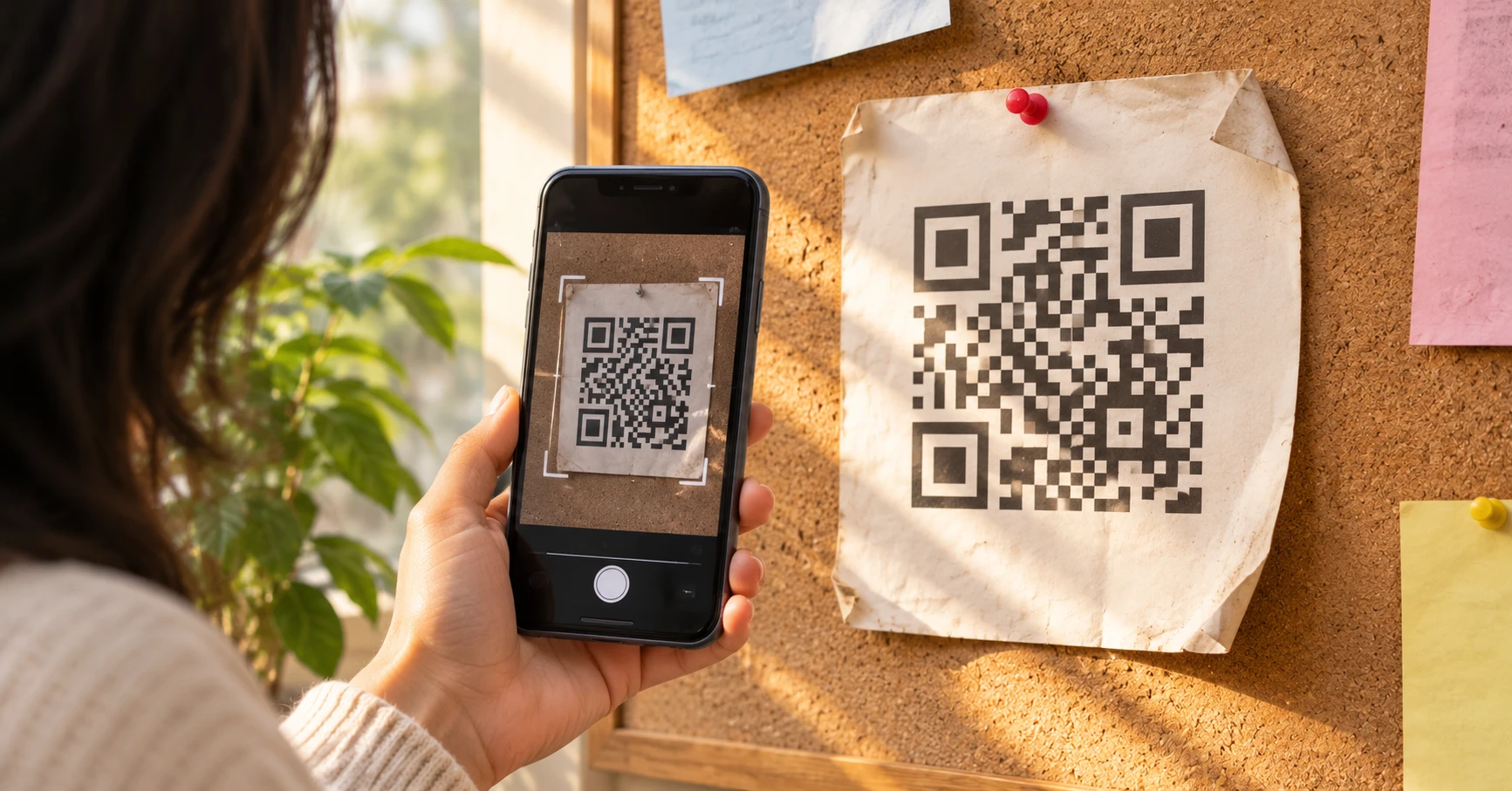
- Check your code each morning, and scan it yourself now and then to confirm the name shown. A photo of it in our QR code scanner shows the UPI ID inside.
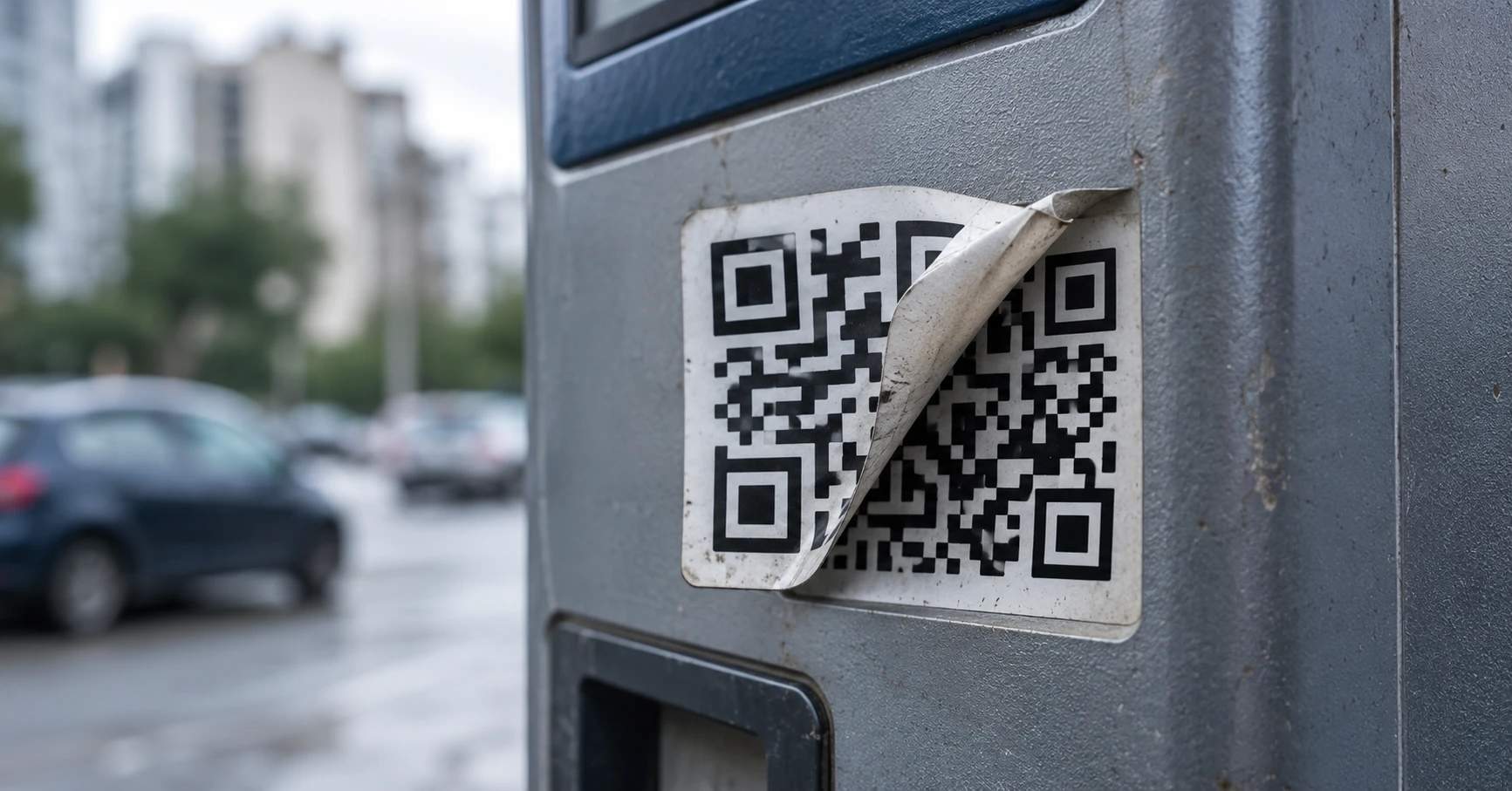
- Laminate it and fix it down firmly so a sticker on top is obvious.
- Ask customers to read the name in their app before paying.
If anyone tells you to scan a code or enter your PIN so that money can reach you, refuse, because you never need a QR scan or PIN to receive money.
Frequently asked questions
Is the QR code the same as my UPI ID?
They're linked. Your QR code contains your UPI ID, so scanning it is a quick way of entering that ID, and you can use the same UPI ID to make a custom QR code.
Can I print my personal UPI QR code for my shop?
You can print it, and customers can pay it. Check your app's terms on using a personal account for trade, since they vary. A business account adds reports and sound alerts, and some verified categories get higher limits.
Is it free to make a UPI QR code?
Making one with our generator is free, with no commission. Any charges on merchant payments come from the UPI system and your provider, and whoever drew the code has no say in them.
What we'd do with a small shop
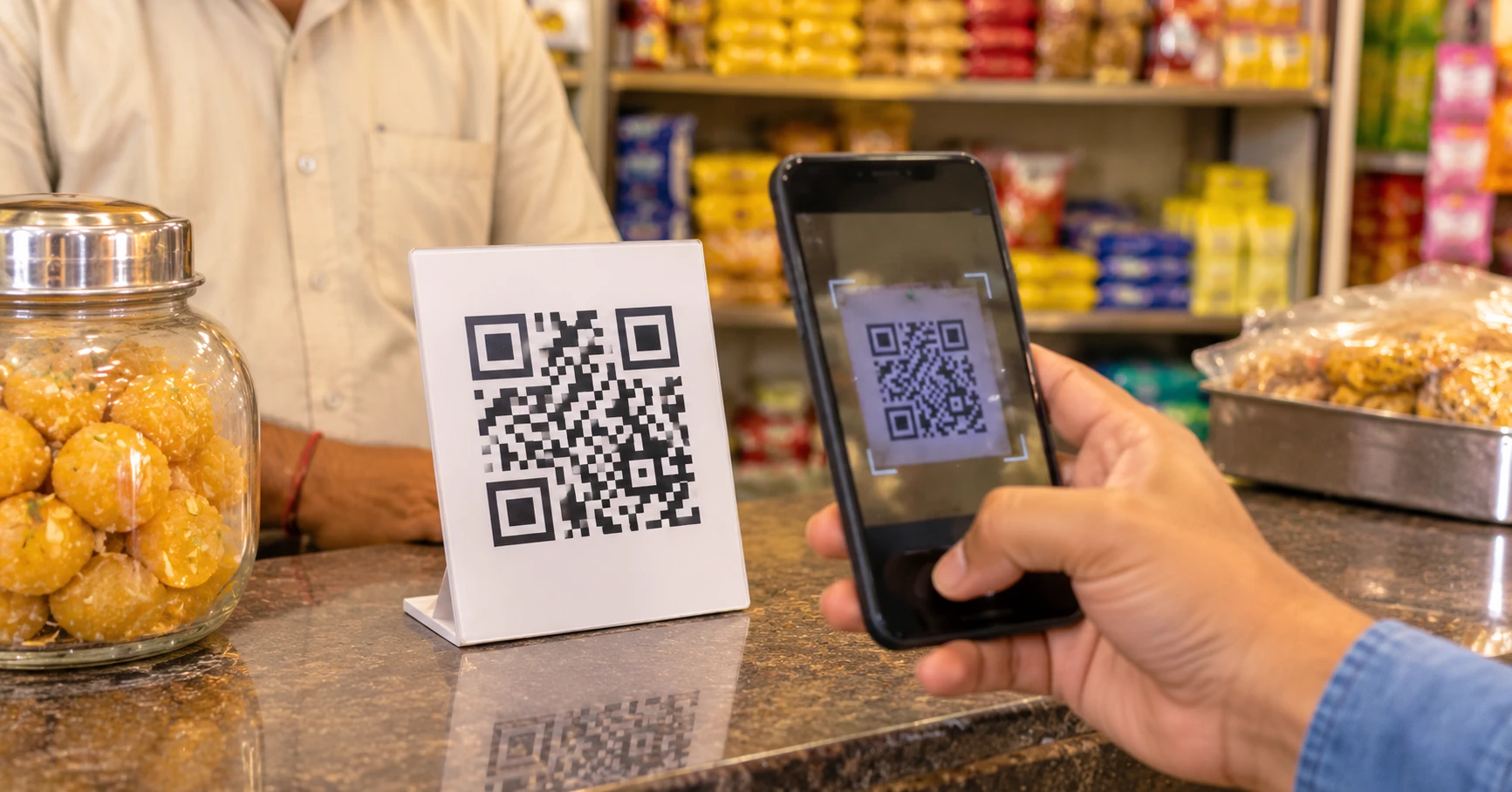
Register with the business side of whichever app you already use, and put that merchant QR on the counter. If you print it yourself, 5 to 8 cm wide works for a counter stand.
Before you put it out, pay yourself ₹1 from another UPI app and check the name that appears. Then look for that ₹1 in your app's reports. If the provider offers a sound device, ask what it costs and whether there's a monthly fee before you agree to one.
Leave custom codes until you've got one of the jobs listed above, and run the same test on each before it goes to the printer. If the code has a preset amount, pay that amount instead of ₹1.
Sources
- PhonePe for Business
- Paytm: making or receiving payments using UPI
- Paytm for Business: how to get your Paytm QR code
- Paytm for Business: retail page on QR stickers and Soundbox
- Google Pay Help: your personal QR code
- Google Pay Help: UPI transaction limits
- Google Pay for Business Help: downloading your QR code and notice of charges
- Google Pay for Business Help: ordering a QR Kit
- Google Pay for Business Help: SoundPod plans
- BharatPe: QR code for merchants
- BharatPe: speaker with voice alerts
- SCC Online: NPCI's UPI MDR FAQs explained, including the small-merchant exemption
- Outlook Money: when the new merchant fees take effect, and the postponement
- MediaNama: NPCI tells the Supreme Court merchants cannot pass the charge on
- Reserve Bank of India: press release on receiving money
#upi#payments#phonepe#paytm#google pay