Wedding QR Codes: One on the Invitation, the Rest at the Venue
One wedding QR code on the invitation is enough. Where to point it, why the photo album and UPI card belong at the venue, and what to test before you print.
QRStitch Team7 min readUpdated
On this page
- One wedding QR code on the invitation is enough
- Make a wedding RSVP QR code with Google Forms
- When the code should open a website or a map
- QR code for wedding photos, and why it stays off the invitation
- UPI gifts belong on a small card at the gift table
- Other codes for the day, and after it
- Keep foil away from the code
- Use a static code, because invitations go out early
- Test it signed out on mobile data, then keep it open
- Sources
The Hitavada reported in 2021 on a family in Madurai who printed Google Pay and PhonePe codes on a wedding invitation to avoid cash gifts. About 30 people used them. We'd give that space on the card to a different job.
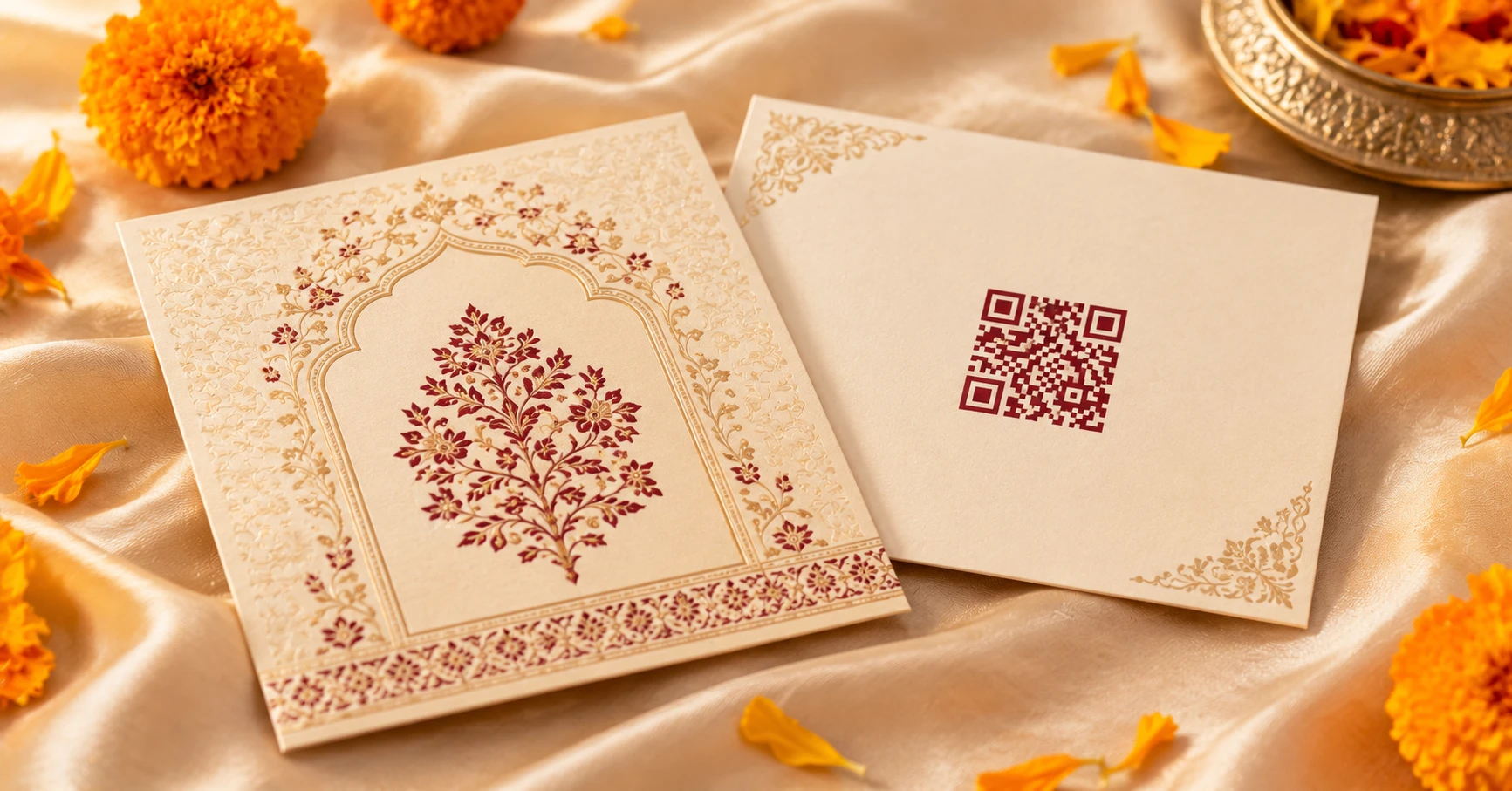
To use a wedding QR code, print one code on the back of the invitation and point it at an RSVP form or a wedding website. Add a short line saying what it does, print it at least 2.5 cm wide, and save photo albums and payment codes for the venue.
One wedding QR code on the invitation is enough
Guests won't scan four codes, and a printed card with four codes on it looks like a parking notice. If you're making a QR code for a wedding invitation, pick one job for it. When you need numbers, that job is RSVPs. When the wedding is spread over several functions in different places, it's a website that lists them all, and other codes can wait for the venue on the day.
Some guests won't scan, and that's the strongest argument against putting a code on an invitation at all. Many older guests can, but some won't want to. So treat the code as an extra: print the date and the venue's address on the card as usual, and keep one phone number there for anyone who'd rather call.
Make a wedding RSVP QR code with Google Forms
A wedding RSVP QR code swaps the reply card for a form. A Google Forms QR code is the simplest route: create a form asking for names, the number of guests, which functions they'll attend and food preferences, then turn its link into a code. Our attendance QR code guide explains the form settings that need a Google sign-in, which you'll want switched off for guests.
Name each function in the form, since someone coming to the reception may not be coming to the mehendi. Responses collect in one place, so you're not chasing a stack of envelopes.
Print "Scan to RSVP" beside the code, because a bare code gives nobody a reason to pick up their phone. The reply-by date goes in the card's text. For the look of it, the envelope frame in our QR code templates suits invitations.
When the code should open a website or a map
A website is the better target when there's more to say than a form can hold: the schedule, travel and hotel details, dress codes and anything else that won't fit on a card. Zola, which sells wedding products, suggests placing the QR code on the back of save-the-dates and invitations, leaving the design on the front alone. A URL QR code is all it takes. With no website, a list-of-links page can hold the form, the map and the schedule behind one code.
You can also update the page after printing. A change of time, or a new parking note, doesn't need a reprint, since the code keeps pointing to the same address.
A map suits a single venue and heads off the "where is the hall?" phone calls. A location QR code, labelled "Scan for directions", opens the place in the guest's maps app. Enter the coordinates rather than an address if the venue is hard to find or has several gates.
QR code for wedding photos, and why it stays off the invitation
Guests take photos that the couple may never see, and a week later those pictures are scattered across everyone's phones. A QR code for wedding photos gathers them into one album, and Google Photos already does most of the work. In an album, choose Share and then Show QR Code, and Google suggests a screenshot if you want to print it.
That's fine for a small sign. For anything larger, copy the album link and make a sharp code from it with the URL generator, so your printer isn't stretching a screenshot.
Be aware of what you're sharing. Google says anyone who scans the code can access the album, and people with the link can view and add to it. The code can't tell a cousin from a stranger.
That access is why we'd keep this code off the invitation. A card posted to everyone can get photographed and forwarded, and the code goes wherever the picture goes. Put it on signs and table cards at the venue instead, where the people scanning are mostly the people who came.
Start with a new, empty album made for the wedding, so nothing private is sitting in it. Then word the sign so guests know what they're joining. "Scan to add your photos" is short enough for a frame, and a line underneath can say that everyone with the code can see what's in the album.
Run the signed-out test at the end of this guide on the album as well as the form. An album that opens happily on your own phone can still refuse everyone at the reception.
UPI gifts belong on a small card at the gift table
Payment codes on invitations have been around in India for some time, as the Madurai card shows. Not every family will like the idea, since a payment code on an invitation can read as asking for money, and we wouldn't print one there.
A discreet option is a small card at the gift table, for guests who've forgotten an envelope. You can make one with the UPI QR code generator, using the name guests should see, and add a note such as "Shagun for Asha and Rohan".
Check the name shown by paying ₹1 first, and keep the card with someone you trust. A payment code left unattended is a target for someone pasting a different code over it.
Other codes for the day, and after it
A few codes do their best work away from the invitation:
- A WiFi code for guests staying at the venue
- A menu or programme on each table, using a URL code that links to a PDF you've put online, or a PDF QR code that hosts the file for you
- A collaborative playlist guests can add songs to, using Spotify
- A thank-you video on the card you send afterwards, using YouTube, or a few favourite photos in an image gallery
- A separate save-the-date that adds the main function to guests' calendars, using an event code
Keep foil away from the code
Gold foil is lovely on names and borders, but printers warn that foil codes don't scan reliably. Print the code in flat ink.
A wedding invitation QR code can still match the card, as long as it stays dark on light. Deep maroon, navy or forest green on cream all work. Gold or pale pink on cream usually doesn't. Our generator measures the contrast and warns you when it's too low, and the colour guide has more ideas.
Print it at least 2.5 cm wide on an invitation and 3 to 4 cm on table cards. On a sign, aim for about a tenth of the scanning distance. The print size guide has the details, and a round badge can look neat on stickers and table cards. Download an SVG for your printer. There's no watermark to spoil the design.
Use a static code, because invitations go out early
Some services deactivate dynamic codes when a trial ends. A wedding invitation goes out months in advance, which is plenty of time for a free trial to run out. A static code has no such risk: it doesn't expire, and it keeps working as long as the form, album or page it links to stays online.
Making a static code on QRStitch is free, with no sign-up. Google Forms and shared Google Photos albums are free too, within your Google storage.
Test it signed out on mobile data, then keep it open
Do this before the printer runs the full batch:
- Order or print one proof on the real card stock.
- Scan it on an iPhone and an Android phone, in ordinary indoor light.
- Open the link as a guest would, on mobile data and not signed in to your account. A form or album restricted to your own account won't open for anyone else.
- Submit a test RSVP and confirm that it arrives.
- Delete the test response, then send out the invitations.
Late replies and late photos are common, so don't close anything the morning after. We'd set a phone reminder for 30 days after the last function, and leave the form and album open until it goes off.
Sources
#weddings#invitations#events#google forms