Fake QR Codes and Quishing: How to Spot a Scam Before You Scan
Fake QR codes turn up on parking meters, shop counters, parcels and emails. How the scams work, what to check before you scan or pay, and what to do if you've been caught.
QRStitch Team7 min readUpdated
On this page
- How to spot a fake QR code when you're paying by UPI
- You never scan a code to receive money
- What is quishing?
- Car parks and parcels you didn't order
- Checking a link before you tap
- What to do if you've already scanned or paid
- If you run a shop or put QR codes in public
- The first check when you're about to pay
- Sources
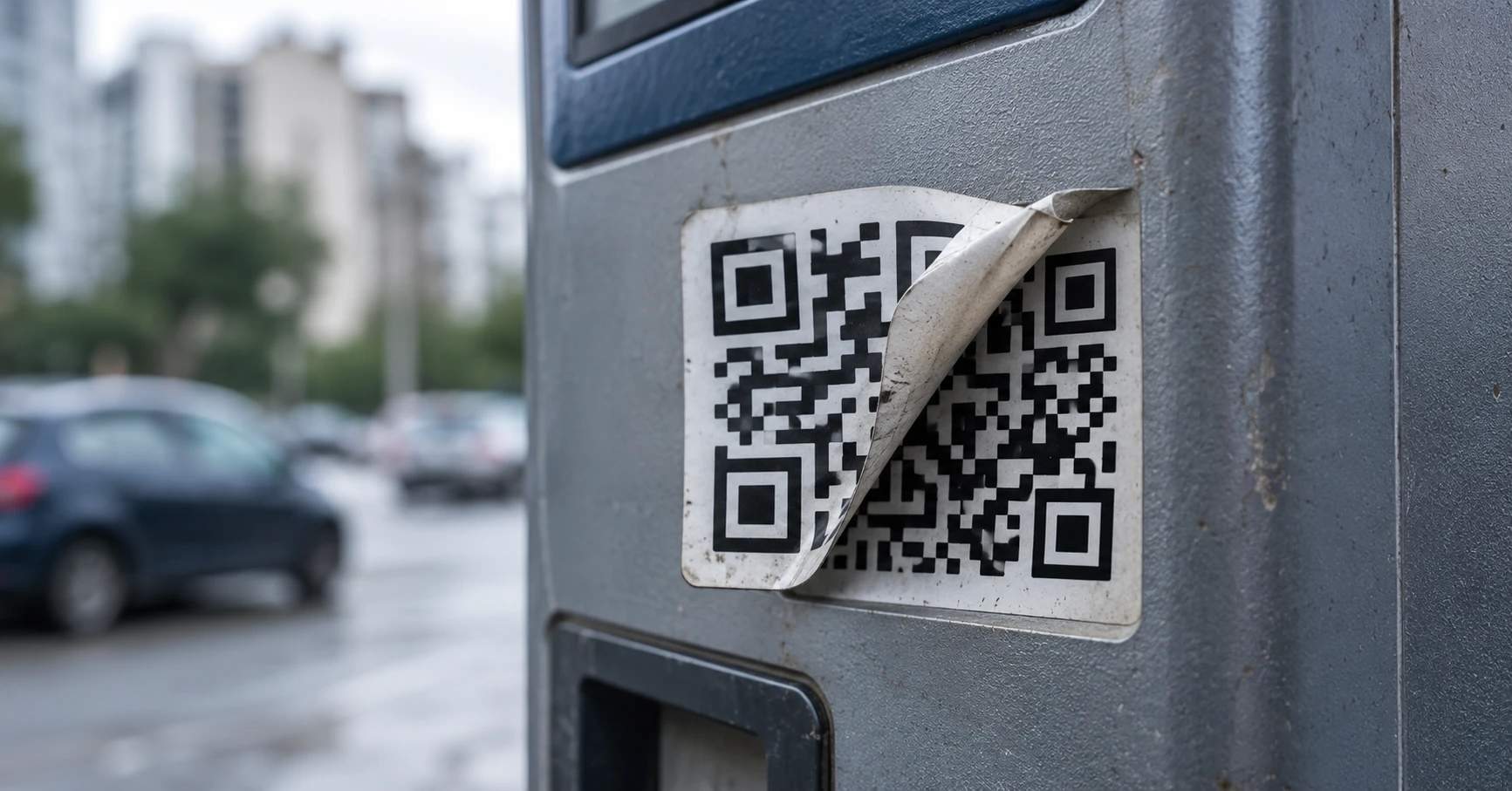
In January 2022, fraudulent QR code stickers turned up on 29 pay stations in Austin, Texas. In India the same trick lands on shop counters, and the money moves over UPI. To spot a fake QR code, read the payee name or web address your phone shows before you pay or log in, and look for a sticker pasted over the original. Be suspicious of any code that arrives unexpectedly.
A QR code is only text (our QR code vs barcode guide explains what one can hold), so scanning one is rarely harmful by itself. The danger is usually what you do next: entering a password on a fake page, approving a payment to the wrong person, or installing something you shouldn't. Most codes are fine, and what matters is who put one there.
How to spot a fake QR code when you're paying by UPI
The name in your UPI app matters more than how the code looks. At a shop in Chandni Chowk, the code looked unchanged and ₹1.40 lakh was diverted. In Mumbai, a guard was arrested in 2025 for pasting a printed code over vendors' codes. You usually can't tell a fake QR code by looking at the pattern.
Khajuraho shows what catches it. The fake stickers showed up on CCTV, and a customer raised the alarm after noticing the wrong name on the screen.
Your UPI app shows who you're paying before you enter your PIN. If you're at Sharma General Store and the name is a stranger's, stop and ask. A genuine shop may show its owner's name, so asking is fairer than walking off.
A matching name isn't proof either, since a scammer can register an account under a similar name. If the amount is large, confirm with the shopkeeper that the money arrived.
Still, feel for a sticker on top of a printed code, and check for peeling edges or a code that's misaligned, as the FBI advises. A neat job may leave no sign at all, which is why this comes second.
You never scan a code to receive money
Someone buying your sofa online, or telling you you've won a prize, sends a QR code and says you need to scan it to receive the payment. Scanning it and entering your PIN actually sends money from your account.
The Reserve Bank of India is clear on this: receiving money doesn't require a QR scan or your MPIN. A PIN is only for sending money, so anyone asking for one to pay you is trying to take your money.
What is quishing?
Quishing is phishing that uses a QR code in place of a clickable link, and the word joins "QR" and "phishing". It's most often seen in emails or texts, but the term also covers fake codes in the physical world, so a sticker on a meter and a QR code phishing email both count.
The usual message claims a failed delivery or a problem with your account, and offers a code to fix it, as the US Federal Trade Commission describes. The UK's National Cyber Security Centre notes that codes in emails can get past filters that would catch a suspicious link. They also move you off a protected work computer and on to your phone.
The volumes swing around, and the latest count points down. Microsoft counted 18.7 million QR phishing emails in March 2026, up from 7.6 million in January. It then reported about 12.1 million for the whole third quarter, 67% below the second quarter. That's fewer in three months than in March alone.
The latest count doesn't support claims that email quishing is exploding. But the count more than doubled between January and March, so one quarter's fall proves little. It also covers only email, and a sticker on a shop counter never shows up in it.
Car parks and parcels you didn't order
Criminals can swap digital or physical codes, according to the FBI, to steal logins, plant malware or divert payments. Car parks are the best-known setting for this QR code scam, and Austin wasn't alone: San Antonio found more than 100.
The FTC issued another warning about parking codes in September 2026, and the UK's Action Fraud logged 784 reports between April 2024 and April 2025, mostly at car parks. The payment app or the number on the operator's official sign is safer than a sticker on a meter.
The FBI warned in July 2025 about packages with no sender details that contain a QR code, which then harvests personal data or installs malware. If it isn't yours, don't scan it.
Checking a link before you tap
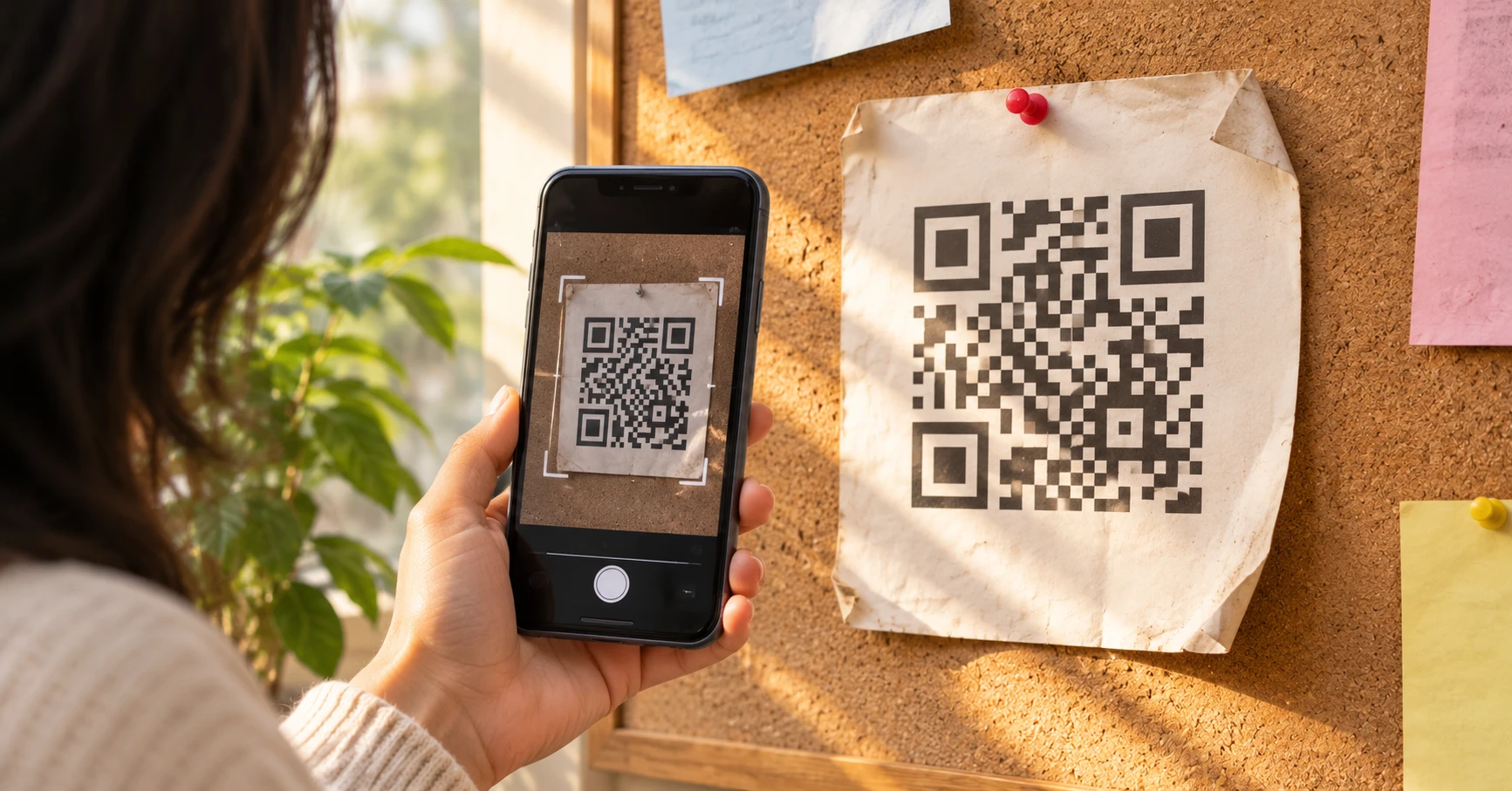
Your iPhone camera shows a link you tap, and the FTC notes that many code readers preview the address. For anything that isn't a payment, that preview is your best protection against a fake QR code. Look for misspellings, odd endings and extra words added to a familiar name.
A preview can't tell you everything, since a short link hides its final destination. Treat a shortened address with more caution when it's asking for money or a login.
To see inside a code without opening it, upload a photo to our QR code scanner, which shows what the code contains and opens nothing until you choose to. On your phone, stick to the built-in scanner, which the NCSC recommends over installing an app (the FBI warns against downloading scanner apps too).
The NCSC's view is that a menu code in a pub or restaurant is probably safe, while busy public places such as stations and car parks are riskier. In those places a stranger can add a sticker without being noticed. Payment codes deserve care anywhere.
If a code claims to be from your bank or a delivery company, ignore it and open that organisation's own app or website yourself. Scammers write lines like "your account will be closed" and "pay in 10 minutes" to stop you from thinking.
What to do if you've already scanned or paid
If you've paid money in India, call the national cyber fraud helpline on 1930, or report at cybercrime.gov.in. Tell your bank too. Speed matters, so do this before anything else.
Scanning a fake QR code usually does little harm by itself, because the risk comes almost entirely from the link or action that follows. Keep your phone's software up to date. The rest depends on what you did:
- If you only opened a page, close it and don't enter anything.
- If you entered a password, change it straight away, along with any other account that uses it, and turn on two-factor authentication.
- If you entered card or bank details, contact your bank or card issuer right away and ask them to block the card and watch for fraud.
- If you entered your UPI PIN on a fake page or shared it, change it in your UPI app.
- If you installed something, disconnect from the internet, remove the app, run a security scan, and change your passwords from a different device.
Readers in the US can report it at ReportFraud.ftc.gov, review their statements, and consider a credit freeze if they gave personal details. The advice to victims in Austin was to file a police report and call their card issuer.
If you run a shop or put QR codes in public
Scan your code every day and confirm that the name shown is yours.
- Laminate the code and fix it down firmly, so a sticker on top is much easier to see. Clear acrylic is better still.
- Keep it where staff can see it, not by the door or outside.
- Print the exact name that UPI apps show for your account, which may be the owner's name rather than the shop's, and ask people to check it.
- Use a soundbox or check payment alerts, so you know the money actually arrived.
The UPI QR code guide covers how to set up a counter code, and the UPI QR code generator lets you print your shop's name clearly beside it. A branded frame won't stop a determined scammer, but it does make a plain replacement sticker look out of place.
For codes that open a link, use your own domain so people can recognise the address when their phone shows it, and tell them what they'll get. The QR code generator is free, and you can add your logo and a call to action so that a stray sticker stands out.
The first check when you're about to pay
You're at the counter with your phone out and the code in front of you. Scan it, then stop at the screen that shows who you're paying, and read the name before you enter your PIN.
Say that name to the person behind the counter and ask if it's their account. If they say yes, pay, and on a large amount wait until they've confirmed the money arrived. If they look blank, close the app and sort out another way to pay.
Sources
- FBI on tampered QR codes
- FBI on unexpected parcels
- Fox 7 Austin on the stickers
- Route Fifty on the Texas cities
- FTC on parking codes
- FTC on links hidden in QR codes
- FTC on unexpected packages
- ReportFraud.ftc.gov
- Parking Review on Action Fraud
- Reserve Bank of India on receiving money
- cybercrime.gov.in
- Free Press Journal on the Mumbai guard's arrest
- Free Press Journal on the Khajuraho stickers
- The Patriot on the Chandni Chowk case
- NCSC on QR code risk
- Microsoft email trends, Q1 2026
- Microsoft email trends, Q3 2026
- Apple on iPhone QR scanning
#qr code safety#quishing#upi#scams