QR Code Size for Printing: Minimum Size and Scan Distance
How big a printed QR code needs to be depends on two things: how far away people stand and how much data it holds. Here are the numbers for both.
QRStitch Team8 min readUpdated
On this page
- Why two codes of the same width scan differently
- Minimum QR code size for each scan distance
- How your data changes the minimum
- Shorten the content before you enlarge the code
- Don't crop the white border
- File type and print resolution
- Surfaces that make a code harder to read
- Frequently asked questions
- How far away can a QR code be scanned?
- Does a logo make a QR code bigger?
- What to check first on a test print
- Sources
For something held in the hand, the usual minimum QR code size is 2 cm (0.8 in) wide, and 2.5 cm or more is more forgiving. Further away, make the code about one-tenth of the scanning distance, so a poster read from 2 metres needs one around 20 cm wide.
What's inside the code moves those figures. A full vCard needs about twice the print width of a short link. We measured it with our own encoder: 3.0 cm against 1.4 cm when the small squares stay the same size.
Those two rules cover most jobs, but they assume a simple code. A long link or a full contact card packs in more squares, and each square has to be large enough for a phone to see. When a code comes out too dense for the space you've got, shorten what's inside it before you make it bigger.
Why two codes of the same width scan differently
What counts for a phone is how big each small square, called a module, looks to its camera. The width of the whole code only matters because it sets that.
The smallest QR code, version 1, is 21 by 21 modules. Every version adds four modules per side, up to version 40 at 177 by 177 (Denso Wave, the company that invented the QR code). Which version you get depends on the amount and type of data, plus the level of error correction.
Print a 65-module code at the same width as a 33-module one and its squares come out about half the size. So two codes that look alike on your screen can behave very differently on paper.
Minimum QR code size for each scan distance
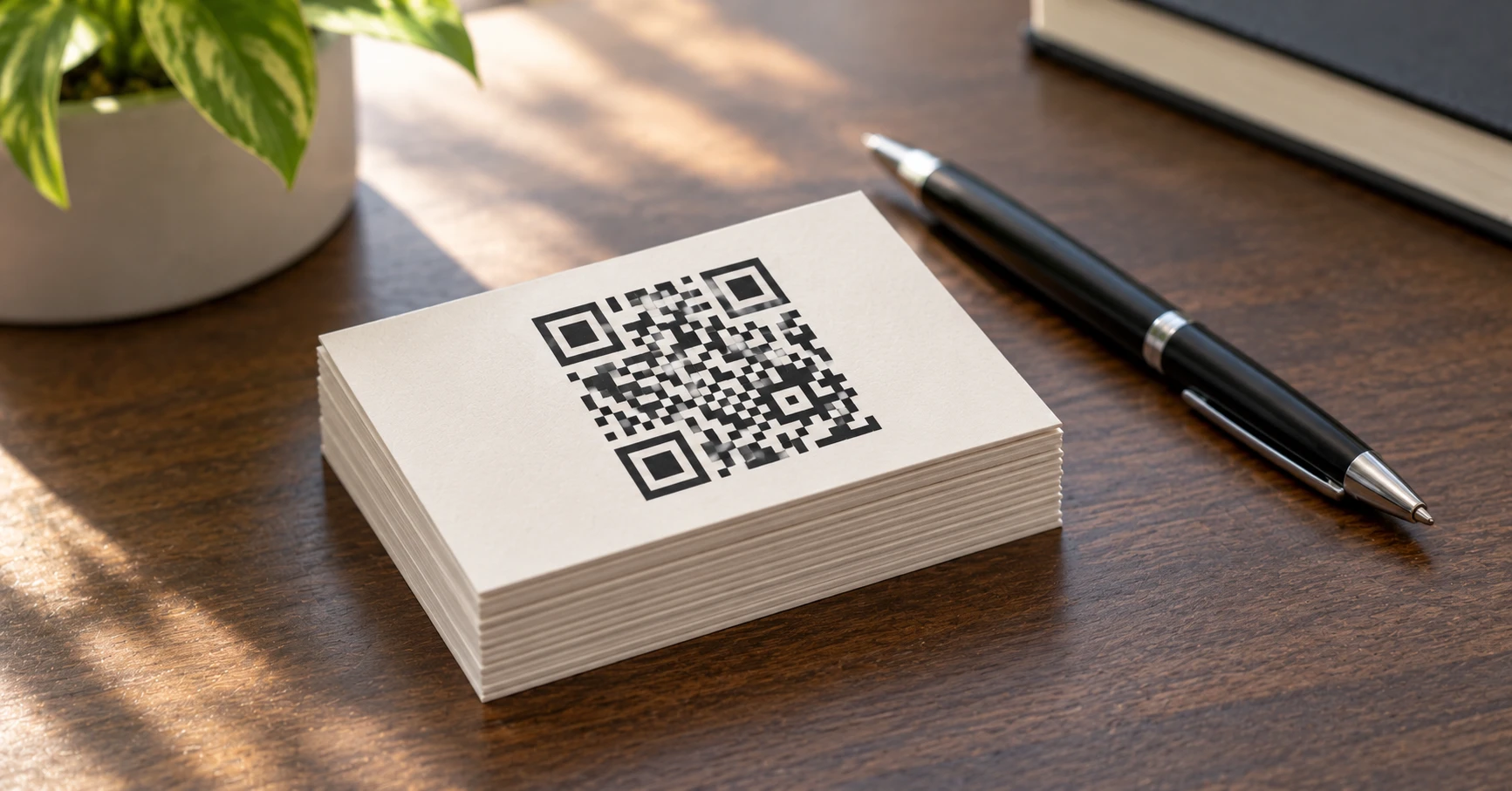
For print held at arm's length, the minimum you'll see quoted is 2 by 2 cm (0.8 by 0.8 in), and VistaPrint uses it for business cards. A short link can go a little smaller, while a code with a lot of data needs to be larger.
Past arm's length, the common rule is a 10:1 ratio: divide the scan distance by 10 and you've got the code's width. QR Planet gives worked examples of 20 mm at 20 cm and 100 mm at 1 metre, and the printer 4over4 uses the same one-tenth guide.
That ratio is softer than it looks. It comes from QR vendors and printers, and no standard sets it. QR Code Generator points out that it's only approximate, because colour, lighting and the camera all shift the result. We've still built the QR code size chart below on it, since it gives you a sensible size to start testing from.
| Where it goes | Typical scan distance | Code width |
|---|---|---|
| Business card, label, packaging | 15 to 25 cm | 2 to 2.5 cm |
| Table card, menu, flyer | 30 to 40 cm | 3 to 4 cm |
| Counter stand, A4 notice | 50 to 80 cm | 5 to 8 cm |
| A3 poster on a wall | 1 to 1.5 m | 10 to 15 cm |
| Shop window, large poster | 2 to 3 m | 20 to 30 cm |
| Banner, hoarding | 5 m and beyond | 50 cm and up |
Measure from where people will really stand. A poster behind a counter or above a rack gets scanned from further away than the one you tested at your desk, so if you're in doubt, go a size up. The opposite case is a poster people walk right up to, where 10 to 15 cm is enough.
How your data changes the minimum
Distance gets you a first guess at the QR code print size. What's inside the code can move that guess a long way.
We measured seven typical QR codes using the same encoder the QRStitch generator uses. The last two columns show the smallest width that keeps each module at 0.4 mm, including the white border.
| Content | Characters | Modules across (no logo) | Width, no logo | Width with a logo |
|---|---|---|---|---|
| Short web address | 20 | 25 | 1.4 cm | 1.5 cm |
| Link to a page | 36 | 29 | 1.5 cm | 1.8 cm |
| WiFi details | 44 | 33 | 1.7 cm | 1.8 cm |
| UPI payment | 66 | 37 | 1.8 cm | 2.3 cm |
| vCard: name, mobile, email | 110 | 45 | 2.2 cm | 2.6 cm |
| Long link with tracking tags | 117 | 45 | 2.2 cm | 2.6 cm |
| Full vCard with address | 272 | 65 | 3.0 cm | 3.8 cm |
This is why a short link can dip under the usual 2 cm floor, while a full vCard with a logo needs 3.8 cm to keep the same squares.
The no-logo column uses error correction level M, our default. Adding a logo switches the code to level H, which is why those widths are larger: H can restore about 30% of the codewords, against 15% for M (Denso Wave), and that redundancy takes up space.
The 0.4 mm figure is a yardstick we chose, not a rule for phones. It's close to the bottom of the range GS1 Ireland gives for QR codes at retail checkouts, 0.396 mm to 0.990 mm per module.
Good phones can read smaller. Denso Wave says ordinary laser printers can produce modules of about 0.17 mm, but being able to print something doesn't mean a phone in a dim shop will read it. Treat the table as a comfortable minimum.
Shorten the content before you enlarge the code
Making the code bigger is the first fix people reach for, and we'd try it last, because every extra centimetre comes out of the rest of your card or label. Removing an address from a vCard, or dropping tracking tags from a link, saves more space than any design change.
Cutting a full vCard with a logo down to name, mobile and email takes it from 3.8 cm to 2.6 cm, while taking the logo off only gets you to 3.0 cm. A 36-character link fits in 1.5 cm, against 2.2 cm for a 117-character one with tracking tags. A dynamic QR code holds only a short link, so its pattern stays small however long the address behind it.
If the print space is already fixed, the same trim works the other way round: fewer modules across the same width means each one prints larger.
Don't crop the white border
The blank margin around a code is called the quiet zone, and it should be four modules wide on all sides (Denso Wave). Phones use it to tell where the code ends and your design begins.
QRStitch downloads include this border. Problems start when a designer crops it to fit a layout, or places the code so a photo or a coloured panel runs right up to the edge. Include the border when you measure.
File type and print resolution
Use SVG or PDF whenever your printer accepts them. Vector files have no resolution limit and stay perfectly sharp at any size, including on a banner. 4over4 asks for vector files, or a raster image of at least 300 dpi at its finished size, and warns against enlarging a small image.
Never print from a screenshot. Blurred edges between modules cost scan reliability, and on a large print they're easy to see too.
You can download PNG, SVG, JPG or PDF from the generator, and it's worth keeping the SVG as your master copy.
Surfaces that make a code harder to read
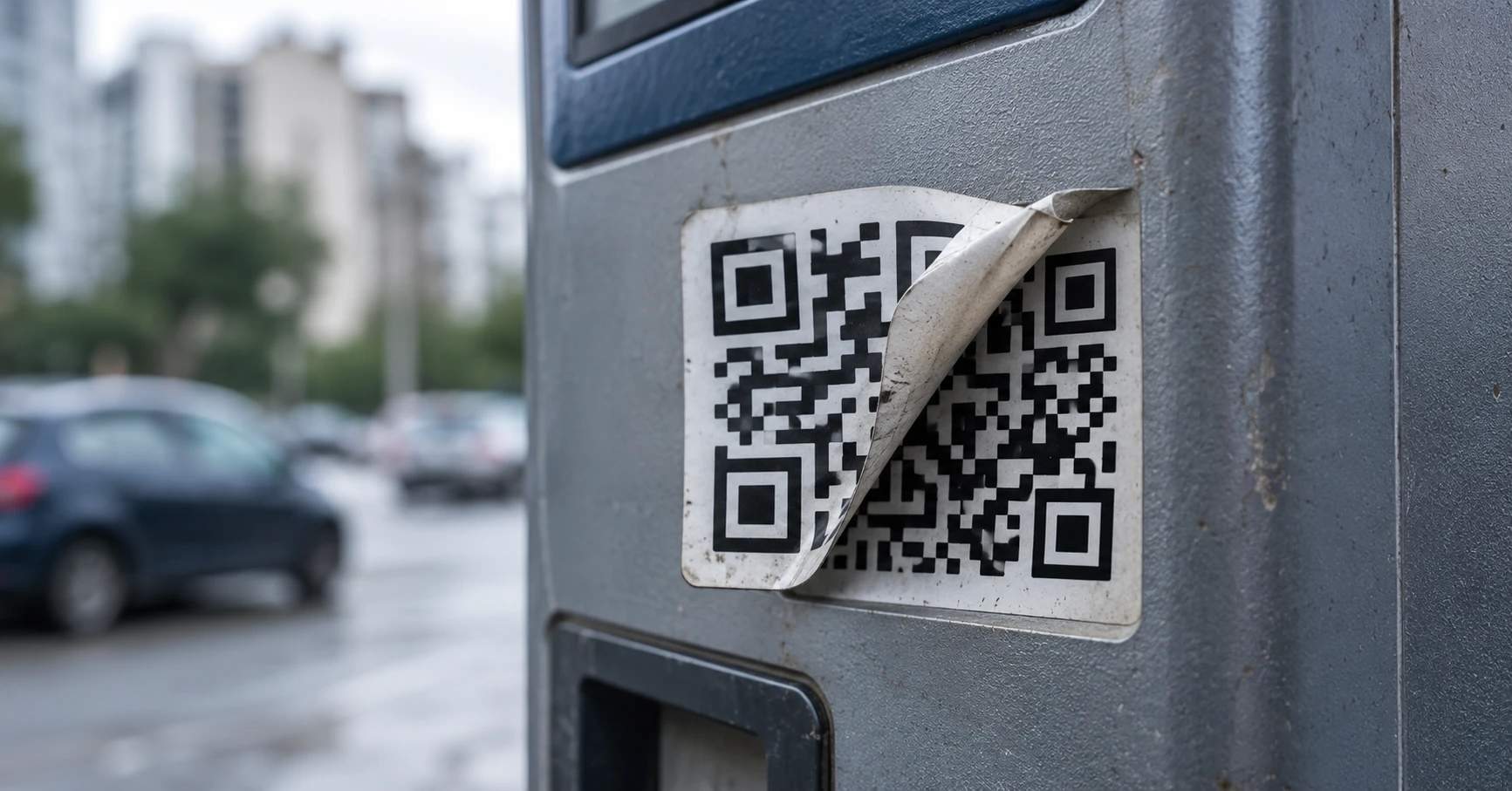
Some materials make modules harder to read, so add margin to the chart's figures, with curved surfaces as the one exception.
- Stitches can't make fine squares on fabric, so our embroidered QR code guide has its own size advice.
- On bottles and cups, a wide code bends away from the camera at its edges, so keep it narrow relative to the curve.
- Foil and gloss throw reflections that break up the contrast, which is why printers recommend flat dark ink on a light background.
- Weather and dirt damage outdoor signs. Error correction restores some of that damage, so level Q or H is sensible outdoors even without a logo.
- Ink spreads into the white squares on newsprint and rough card, so give the modules more room.
Frequently asked questions
How far away can a QR code be scanned?
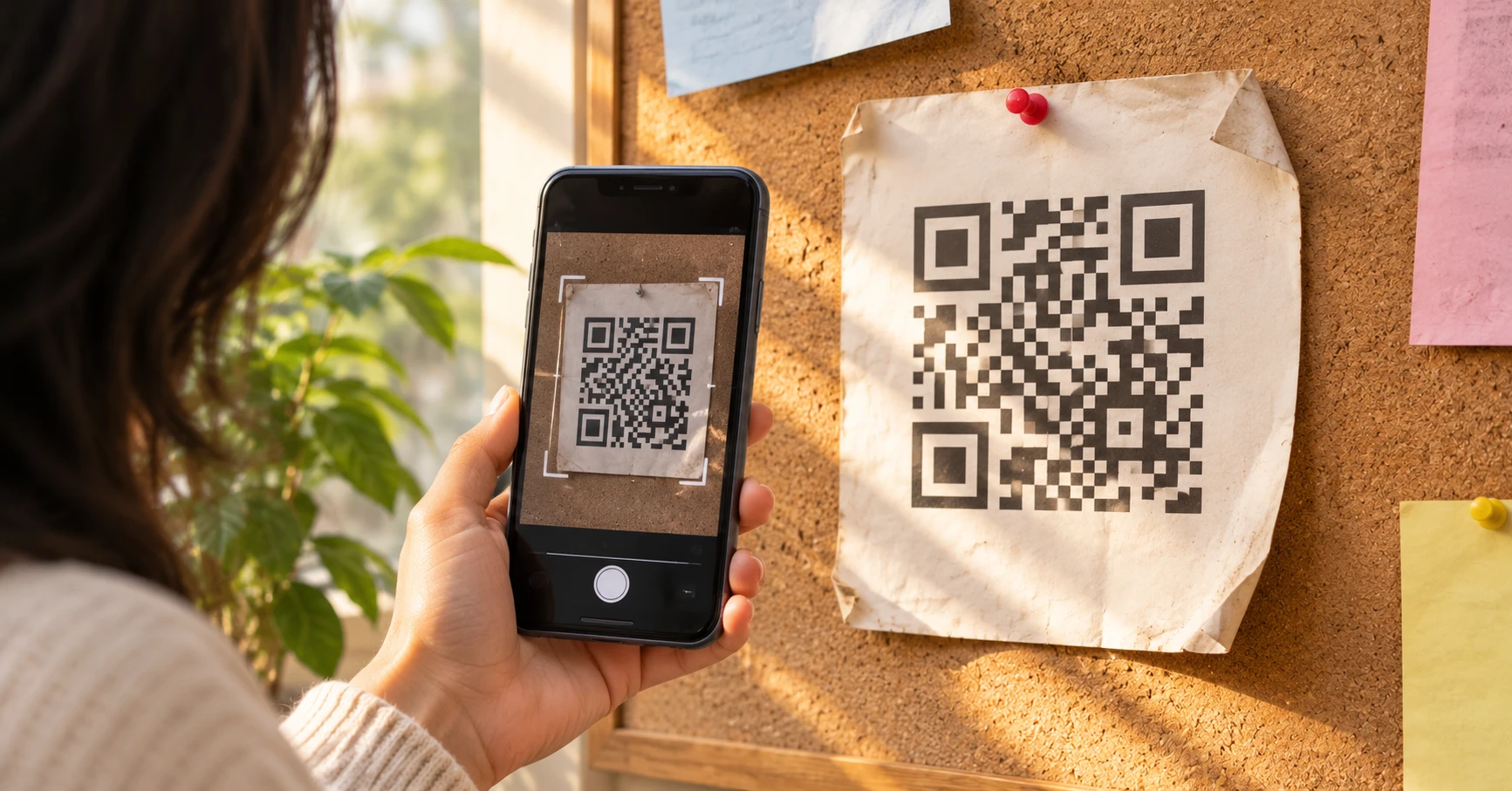
Roughly ten times its width. A 10 cm code works from about a metre, and a 1 metre code from about 10 metres. Bad light or weak contrast can cut that down, and phone cameras differ.
Does a logo make a QR code bigger?
A logo adds a little width, because it needs a higher level of error correction, which adds modules. In our measurements the width grew by up to 28% for the same module size.
What to check first on a test print
We'd start with a ruler, before any phone comes out. Export the code at the exact size it'll be printed, run one copy on the real material or as close as you can get, then confirm that it came out at the width you planned and that the white border is still there on all four sides.
Only then scan it, from the real distance and in the real lighting, on an iPhone and an Android phone. Try an older or cheaper phone too if your customers are likely to use one.
QRStitch test-scans each code before you download it, which catches design problems such as low contrast or an oversized logo. It can't know how large you'll print it or what the paper is like, so this last check is still yours to do. If you're printing many at once, the bulk generator makes them all with the same design.
Once it scans, follow it through and check that it opens the right thing.
Sources
- Denso Wave: QR code versions and module counts
- Denso Wave: QR code standards and error correction levels
- Denso Wave: QR code FAQ, including printable module size
- Denso Wave: how to use a QR code, including the quiet zone
- Denso Wave: error correction and damaged codes
- QR Planet: what is the minimum size of a QR code
- QR Code Generator: QR code scanning distance
- 4over4: how to print QR code stickers
- 4over4: printing a QR code with metallic or raised foil stamping
- GS1 Ireland: how big should a QR code powered by GS1 be
- VistaPrint: business card design rules
#printing#qr code size#qr code design#packaging