Do QR Codes Expire? Static vs Dynamic, Explained
A QR code has no built-in expiry date, but plenty of printed codes stop working. Why static codes last, why dynamic codes can be switched off, and how to check yours.
QRStitch Team7 min readUpdated
On this page
- Static vs dynamic QR codes
- Do QR codes expire if you stop paying?
- How long do QR codes last?
- If the content won't change, skip the redirect service
- How to tell which kind you have
- Looking after codes already in print
- Frequently asked questions
- Do QR codes expire if they're free?
- Can I reactivate an expired QR code?
- Does a QR code expire on a date you choose?
- Printing a large run? Ask this first
- Sources
No, a QR code never expires: the pattern has no expiry date. A static QR code holds its content in the printed squares, so nothing can switch it off. A dynamic QR code points to a short link run by a company, which can deactivate it when a trial or subscription ends.
Some providers say so plainly. QR Tiger's help page puts it flatly: on expiry or cancellation, all dynamic codes become invalid (its position at the time of writing).
When someone says their QR code has expired, the code itself is almost never the problem. Something it depends on has gone away, and that could be a plan, a web page, a domain or the print itself.
Static vs dynamic QR codes
A QR code is a way of writing text as a pattern of squares, and the format has been an international standard, ISO/IEC 18004, since June 2000. Nothing in the pattern records a date. A phone reads the squares, gets the text and acts on it.
Take a WiFi QR code. The network name and password sit in the pattern, so a phone with no internet at all can read it, and it'll work for as long as the print survives and the password stays the same. A UPI code or a vCard holds its details the same way.
A dynamic code holds something like a short web address on the provider's domain. When you scan it, your phone visits that address, the provider looks up where it should go, and it sends you on. That extra step lets you change the destination after printing, and it's also the part that can stop.
A static code can also hold a link to a domain you own.
| Static, content in the code | Static, link to your own domain | Dynamic | |
|---|---|---|---|
| What's in the pattern | Your actual content | Your web address | A short link run by the provider |
| Depends on a company staying online | No | Your website has to stay up | Yes |
| Can you change the destination later? | No | Yes, with a redirect on your own server | Yes |
| Scan statistics | No | Not from the code | Usually |
| Can it be deactivated? | No | Not by a QR provider | Yes, by the provider |
Do QR codes expire if you stop paying?
Dynamic ones can, and at the time of writing the providers said so in their own help pages. QR Code Generator says in its guide to expiry that static codes need no subscription, while dynamic codes deactivate when a trial or plan ends, and that upgrading reactivates them. QRFY says trial dynamic codes deactivate when the trial expires and then redirect to a service page, and that upgrading restores them. QR Tiger's page, linked above, covers cancellation as well as expiry, so leaving a paid plan counts too.
Not every provider does this, and policies change, so read the current terms of whichever one you use.
Trials are where the risk is easiest to underestimate, because a trial is where many people make their first code. Put that code on 2,000 flyers or a shop sign, let the trial end, and every printed copy stops working on the same day. Short of reprinting, the only way to get it back is to pay.
How long do QR codes last?
A static code lasts as long as the print stays readable and its content stays valid. A dynamic code lasts as long as the provider keeps its link active, which often depends on your plan.
The everyday reasons codes stop working have little to do with subscriptions, and static codes aren't safe from them.
A code pointing to a deleted Google Form, a removed product page or a file taken out of shared storage will still scan perfectly. Your customer just gets an error at the end of it.
Domains lapse as well. If you stop renewing a website address, someone else can buy it. Heinz found this out in 2015, when a code on old ketchup bottles ended up sending a customer to a porn site after the promotional domain had expired.
Link shorteners close, and printing a shortened link ties your code to the shortener's future. Google announced the end of goo.gl links, then narrowed the plan: links that showed no activity in late 2024 stopped working on 25 August 2025, while others carry on.
Some codes outlive their details. A WiFi code stops connecting when the password changes, and a UPI code stops working if that UPI ID is closed. The code still reads, but what's in it is wrong.
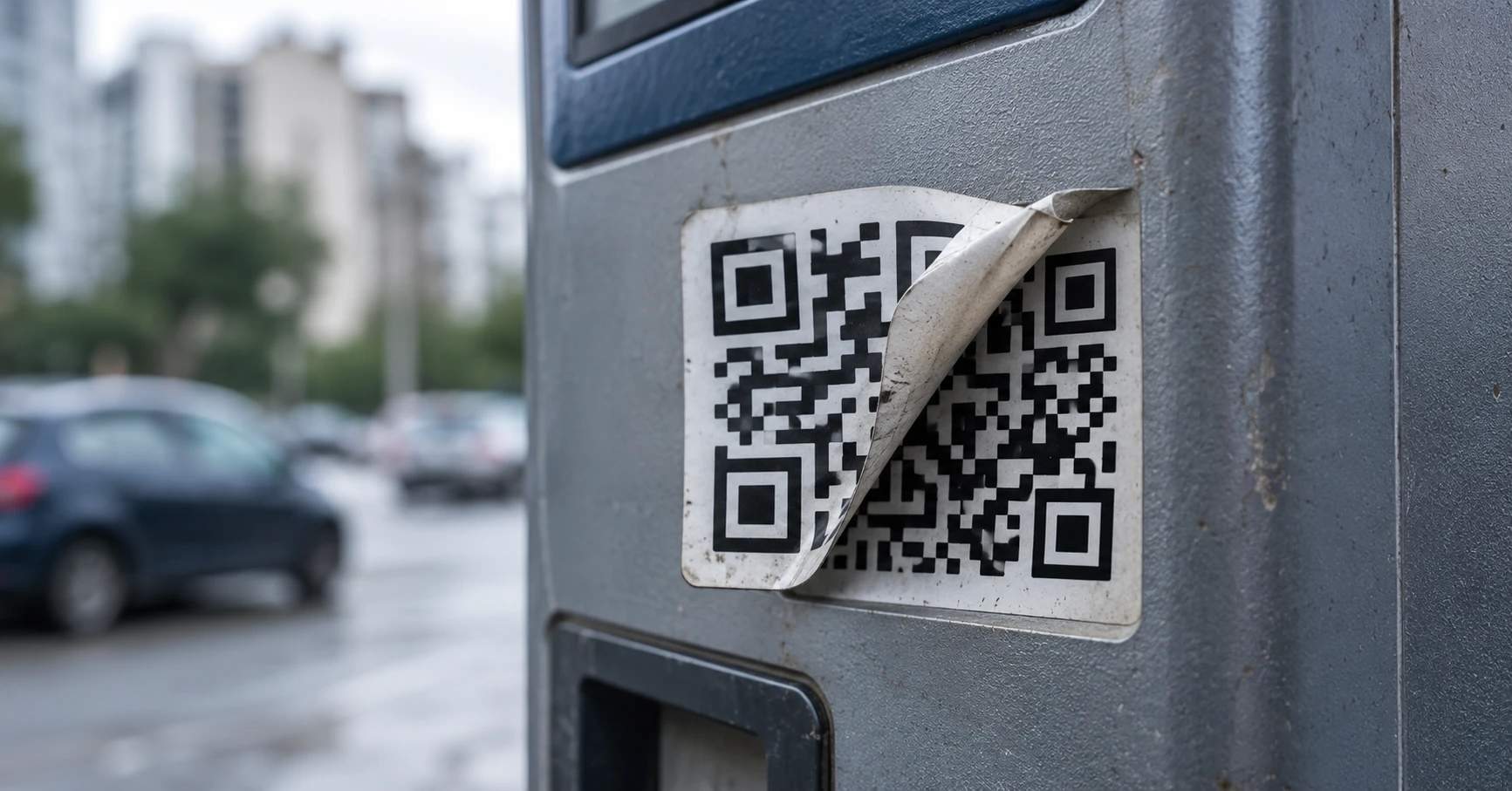
QR codes have error correction that restores dirty or damaged areas, up to a limit that depends on the level chosen. Beyond that, a faded, scratched or peeling code won't read, and outdoor signs get there sooner than you'd think.
If the content won't change, skip the redirect service
Our view: a redirect service adds risk and very little else when the content won't change. WiFi, UPI, vCards and links to a stable page don't need one at all, and adding one gives your code a new way to fail. What you'd give up is scan statistics, which dynamic services usually offer and static codes don't.
Static codes have two weaknesses that count against that view. You can't correct one after printing, so a wrong character in a link on 2,000 flyers means 2,000 new flyers. And a static code still dies when the page behind it goes.
So if the destination really might move, a dynamic code is a fair choice once you've read the terms. Ours keep redirecting to their last destination if a paid plan ends, as the pricing page sets out; see how our dynamic QR codes work.
There's a middle route that we'd try first: point a static code at a domain you own. A link to your own site keeps you in control, and a redirect on your own server lets you change where a page leads, which gives you much of the flexibility of a dynamic code. It won't rescue a typo in the domain name, because that part's in the pattern.
How to tell which kind you have
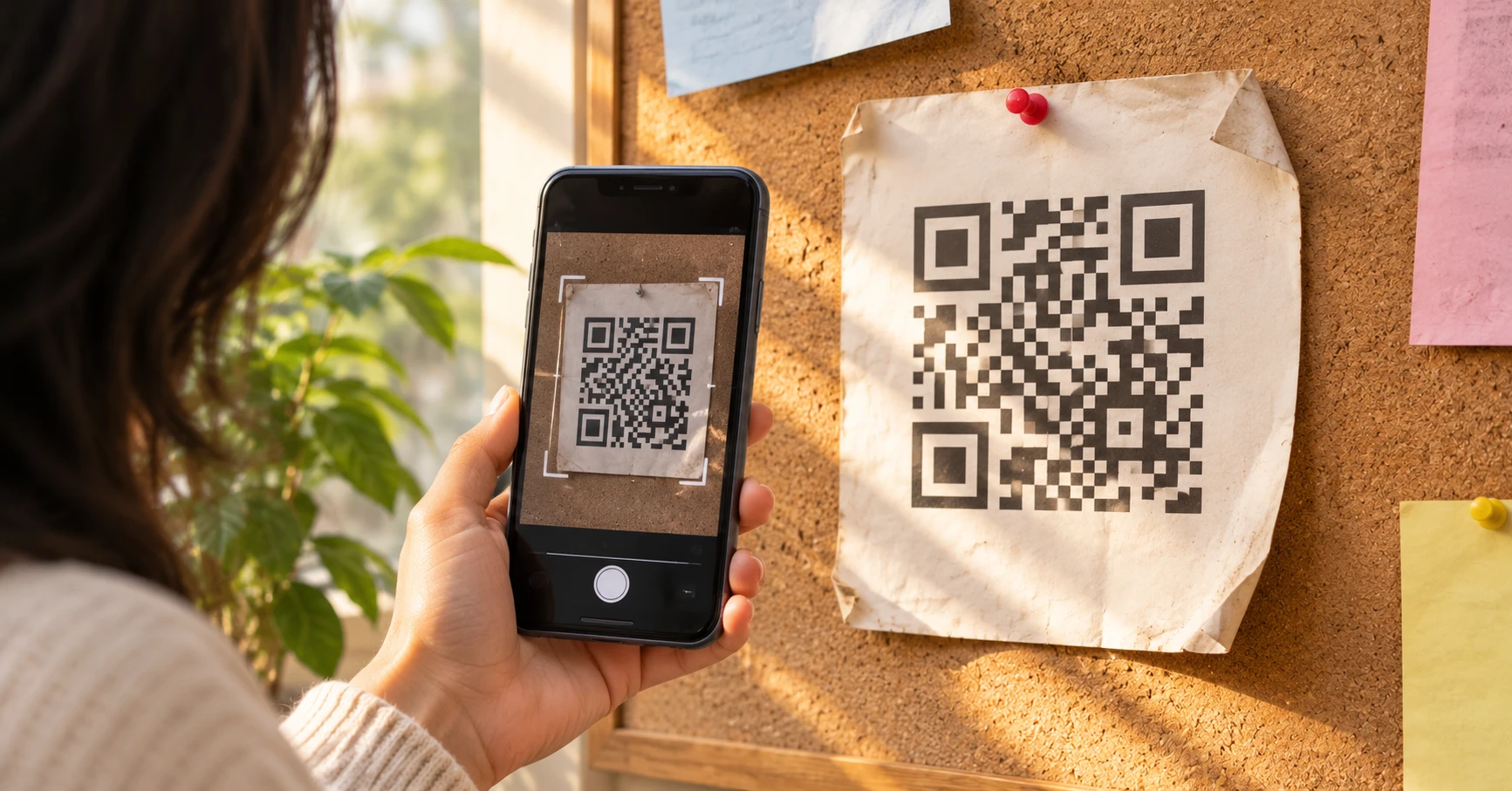
Whether your own QR codes expire depends on which kind you've printed. Scan the code with a phone and read the address before you tap it, or upload an image of it to our QR code scanner to see what's inside.
- Your own domain, or something that isn't a web address (WiFi details, a contact card or a UPI payment), means it's static or as good as, unless a QR provider runs that domain for you.
- A short link on a QR provider's domain means it's dynamic and depends on that provider, so check your account and plan.
- A general shortener means it depends on that shortener.
If a code has already stopped working, check the likely causes in order: the destination page, the plan behind a dynamic code, any short link, then the print. Reading the address usually shows which.
Looking after codes already in print
- Skip third-party shorteners on anything printed, unless you're paying for that service and plan to keep it.
- Keep a list of what you've printed and where, so you know what needs checking when a site changes.
- Scan your long-running codes every few months, especially anything outdoors.
- Choose a higher error correction level for tough environments. Level Q or H withstands more damage, at the cost of a denser pattern.
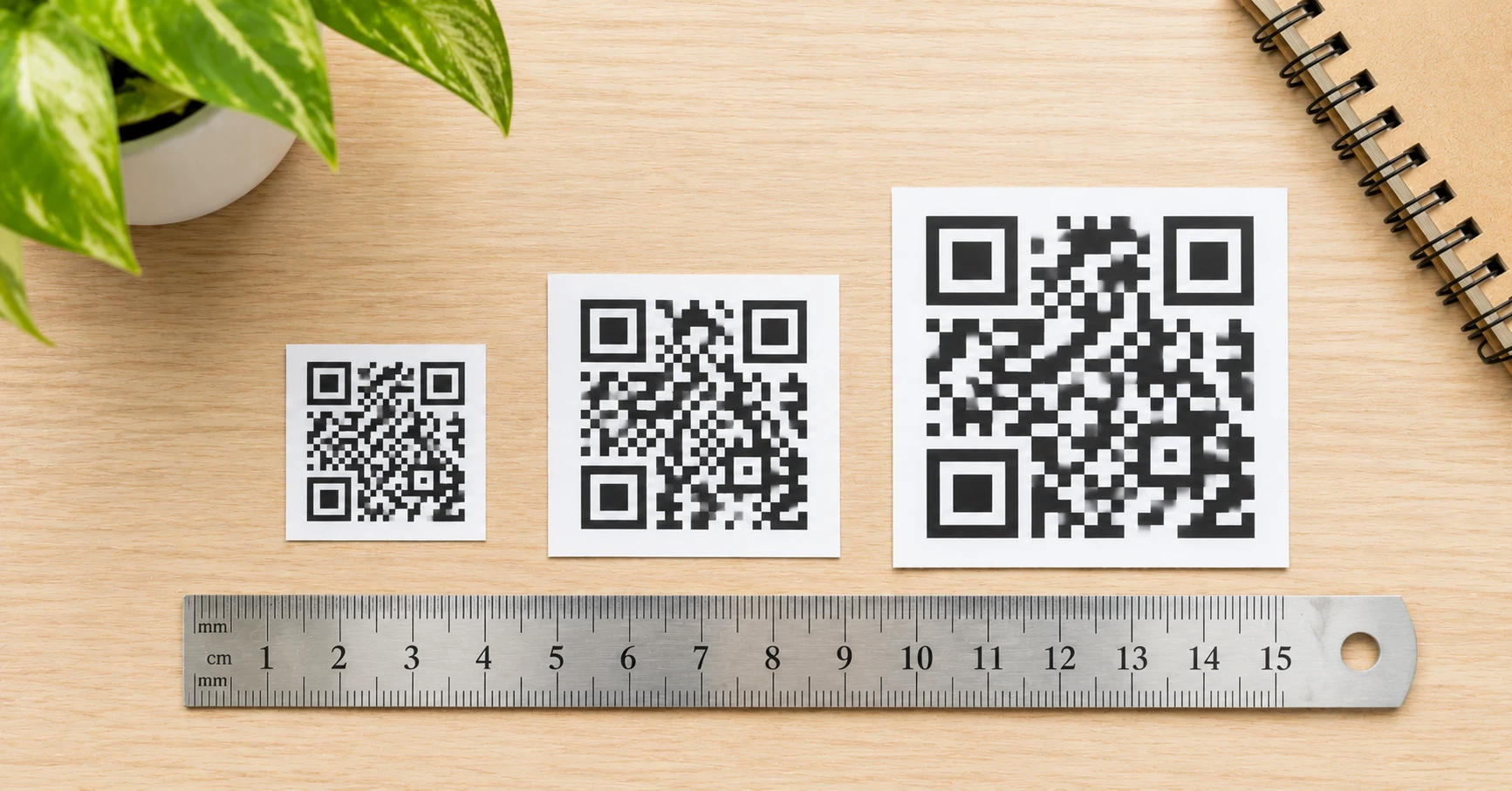
If you're printing at scale, the guide to QR code print size will help the code last as well.
Frequently asked questions
Do QR codes expire if they're free?
Free static codes don't. Free dynamic codes, including ones made during a trial, may stop working when the trial ends, depending on the provider.
Can I reactivate an expired QR code?
For a dynamic code, usually yes, by restarting the plan with that provider. A static code that points to a dead page can only be fixed by bringing that page back at the same address, or by printing a new code.
Does a QR code expire on a date you choose?
A static code can't be given an end date. Some dynamic code services let you set one, or a scan limit, which is useful for limited offers and event tickets.
Printing a large run? Ask this first
If you're about to approve thousands of flyers or signs with a dynamic code on them, put one question to the provider before the file goes to the printer: if I stop paying, what happens to the codes I've already printed?
Check the answer against the current terms. If the codes stop, you're committing to that plan for as long as the print stays in use, so decide whether the destination will really change in that time.
If it won't, print a static code from the QR code generator. Static codes you make with us are free, with no account needed and no watermark, and the content goes into the pattern without passing through a redirect of ours, so there's nothing for us to turn off, even if QRStitch itself disappeared.
Either way, print one copy first, scan it, and read the address it opens before you sign off the rest.
Sources
#static qr codes#dynamic qr codes#qr code basics#expiry